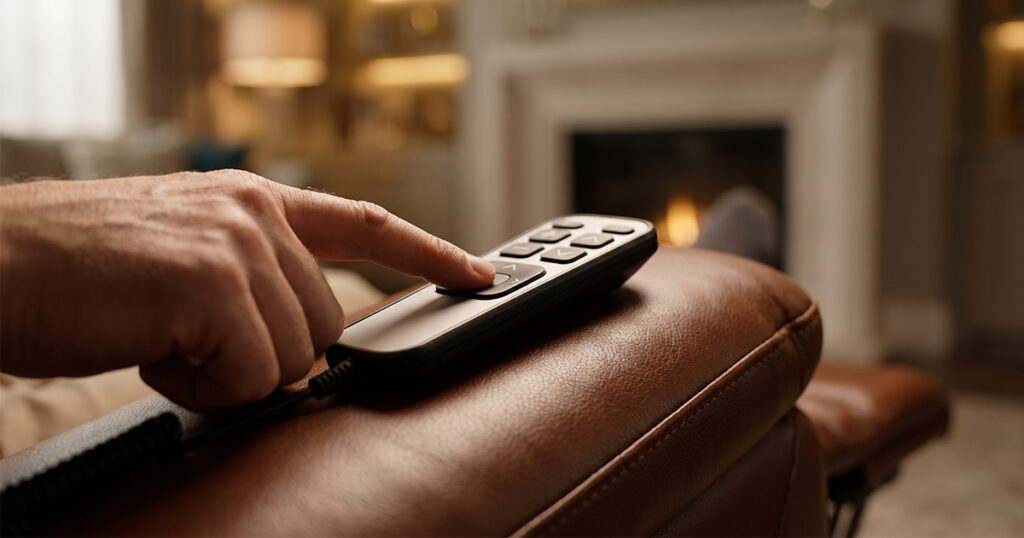
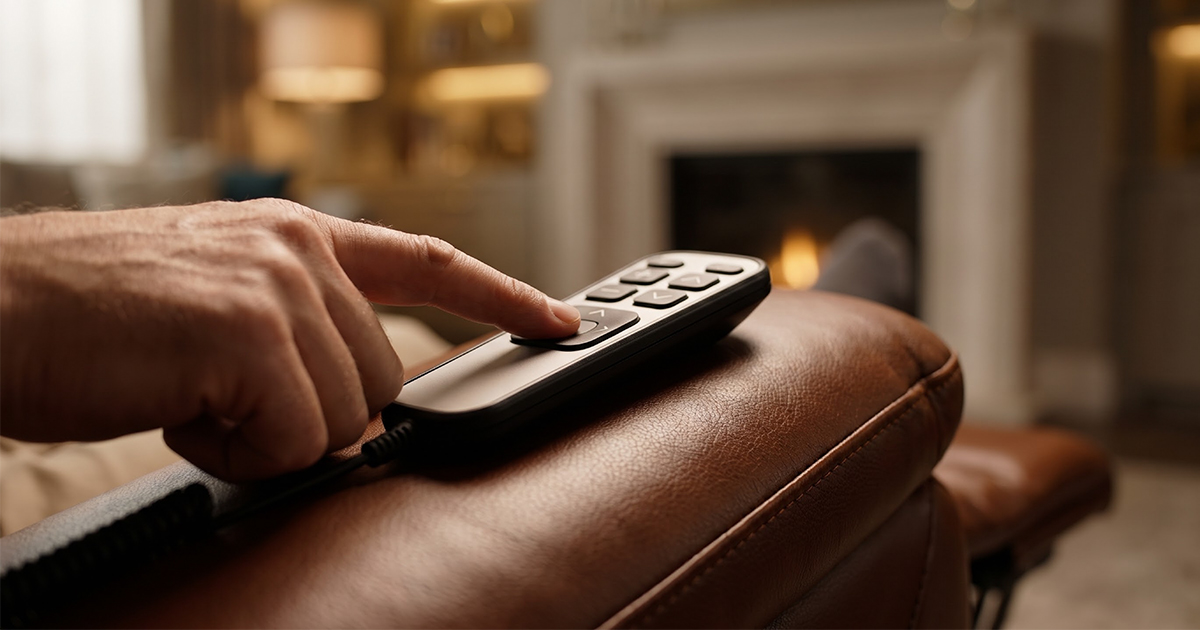
Is your Power Recliner Remote Not Working? Most power recliner remote failures are not dead remotes. They are lost pairing signals, “scrambled” codes, or a power delivery issue that masks itself as a remote problem. Before you order a replacement hand control, run through the three steps below—ordered from the simplest check to the most decisive hardware test. In most cases, the remote is recoverable.
Step 1: Power Recliner Remote Not Working? Check Batteries, Power Supply & Connections
Start with the variables that cost nothing to check.
1. Remote batteries and contacts. Press any button and watch for the indicator light. No light or a weak flicker means the battery is the culprit. Also inspect the battery compartment for leakage or corrosion on the spring contacts—both interrupt the circuit long before the battery is fully dead.
2. The transformer / power brick. Locate the black adapter box under or behind the recliner and check its indicator light:
- Solid green: power is reaching the control box.
- No light: the outlet, the adapter, or the wiring to the control box has failed.
- Red / orange light: possible internal short or motor fault.
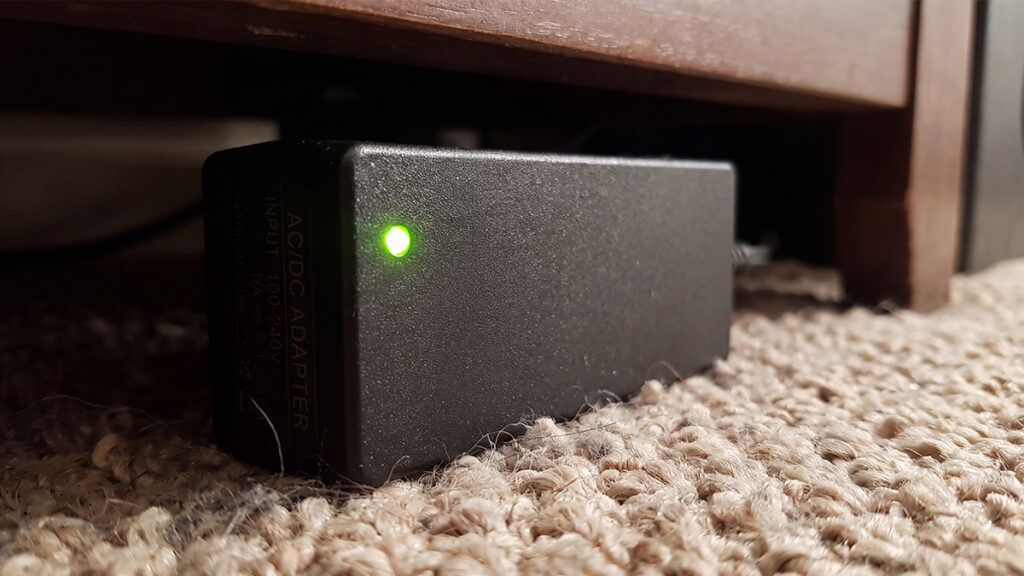
Test the outlet with another device. If the adapter light stays dark on a known-good outlet, the adapter is the first component to suspect—not the remote.
3. Avoid surge protectors for this test. Power recliners can be sensitive to voltage stability. Plug the recliner directly into a wall outlet during troubleshooting; inconsistent power through a strip can mimic a remote failure.
Step 2: Power Recliner Remote Not Working? Pairing Reset & “Scrambled Code” Clearing
If power is confirmed and the remote still does nothing, the pairing information between the remote (transmitter) and the control box (receiver) has likely dropped or become corrupted. The exact button combination varies by control system, but the logic is consistent: put the control box into learn mode, then send a signal from the remote.
Method A: The Power-Cycle Pairing (most common on wireless systems)
This is the most widely used pairing sequence across OKIN and similar wireless hand controls.
- Switch the mains power off at the wall (or unplug the recliner) and wait at least 30 seconds, or until the green LED on the control box goes out.
- Switch the power back on.
- Press and hold both the “Head Up” and “Foot Up” buttons simultaneously on the remote until the backlight flickers.
- Keep holding until the flickering stops. The remote is now paired.
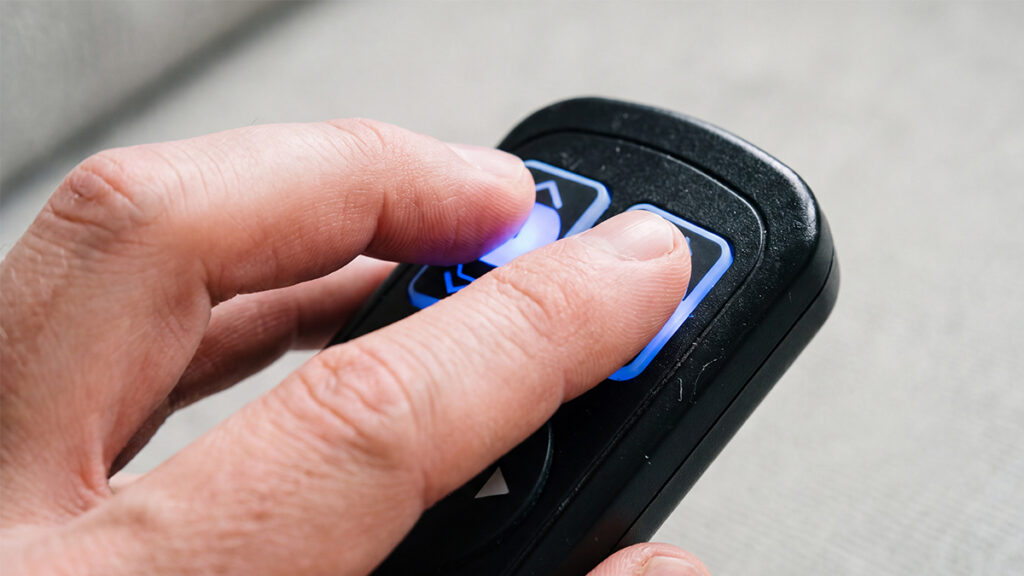
On some OKIN control boxes, the sequence is slightly different: power the control box first, then press and hold the “pair” button on the remote for about 5 seconds until the backlight blinks slowly. Press the “open” button; the backlight then blinks fast for three seconds. When the blinking stops, pairing is complete.
Method B: The Control Box “Learn / Reset Coding” Button
Many control boxes have a physical pairing button on the side, usually marked “PAIR,” “Learn,” or “Reset Coding.”
- With the control box powered on, press and release (do not hold) that button. The box enters pairing mode, typically for 30–60 seconds.
- Within that window, press any button on the remote. A beep or a change in the indicator light confirms the sync.
This method is common on Richmat and OKIN systems where the control box exposes a learn button.
Method C: Clearing a “Scrambled” Code (when buttons act wrong or pairing repeatedly fails)
If the remote‘s buttons trigger the wrong function, or pairing attempts keep failing, the stored code information may need to be cleared before a fresh pairing. The exact combination varies:
- On certain Richmat systems: press and hold the Head Up + Foot Down buttons until the backlight flashes. This clears the remote’s stored code-matching information. The control box then enters a matching state, and you continue with the pairing sequence.
- On some OKIN systems: simultaneously press and hold the Head Down + Foot Down buttons (or the two top buttons, depending on the model) until the backlight signals that the code has been cleared.
After clearing, return to Method A or B to pair again. If you have cleared and re-paired three times with no response, the issue is no longer software-level.
Step 3: Power Recliner Remote Not Working? Isolate the Failed Component
At this point, the goal is not to fix the remote but to determine which component has actually failed, so you don‘t buy the wrong part.
1.Use the side/armrest button as a control test. If your recliner has a secondary manual button on the arm or side, press it. Should the chair move normally from the side button but not from the remote, the control box and motor are healthy—the fault lies in the remote (transmitter) or the pairing path. When neither the side button nor the remote produces movement, the control box or power adapter is the likely failure point.
2. Inspect the hand-control connector. For wired hand controls, check the 5-pin plug at both the remote end and the control-box end. Look for bent pins, a partially seated connector, or a cable pinched by the recliner mechanism. A loose 5-pin connection can produce the same “dead remote” symptom as a failed handset.
3. Listen for the motor. A hum with no movement points toward a struggling or damaged motor. Complete silence with no hum and no movement shifts suspicion toward the control box or power supply.
When Replacement Is the Right Call
Replace the remote only when the following signals are present after completing all three steps:
- The remote indicator light does not illuminate even with fresh, correctly installed batteries.
- You have cleared the code and completed pairing at least twice, and the control box remains unresponsive—while the side/armrest button still operates the chair normally.
- The button membrane feels mechanically failed (no tactile click, or a button that stays depressed).
When ordering, match the control box model number—not just the recliner brand. OKIN, Richmat, and Limoss systems use different pairing protocols, and a remote that pairs with one control box will not necessarily pair with another.
A Note on Experience & Verification
The pairing sequences above reflect documented control-box behaviors across OKIN, Richmat, and related systems. Because button combinations can vary by specific model and production batch, the most reliable verification step is to locate the model label on your control box (under or behind the recliner) and cross-reference it with the manufacturer’s pairing instructions before attempting a reset. If the label is unreadable, photograph the control box and the original remote and include both images when contacting the parts supplier—this single step prevents the most common replacement-remote mismatch.
Key takeaway: If your Power Recliner Remote Not Working issue is caused by pairing or power delivery, you don’t need a replacement. Work from power → pairing → component isolation, and you will resolve most cases without buying new parts.